No app store download
WebAR means the experience opens from a normal website link. Read a guide, tap Start Sky AR, and grant permissions only when you are ready.
NightSky AR is designed for mobile browsers over HTTPS. It gives you a no-download way to compare constellations, planets, and bright stars with the real sky.
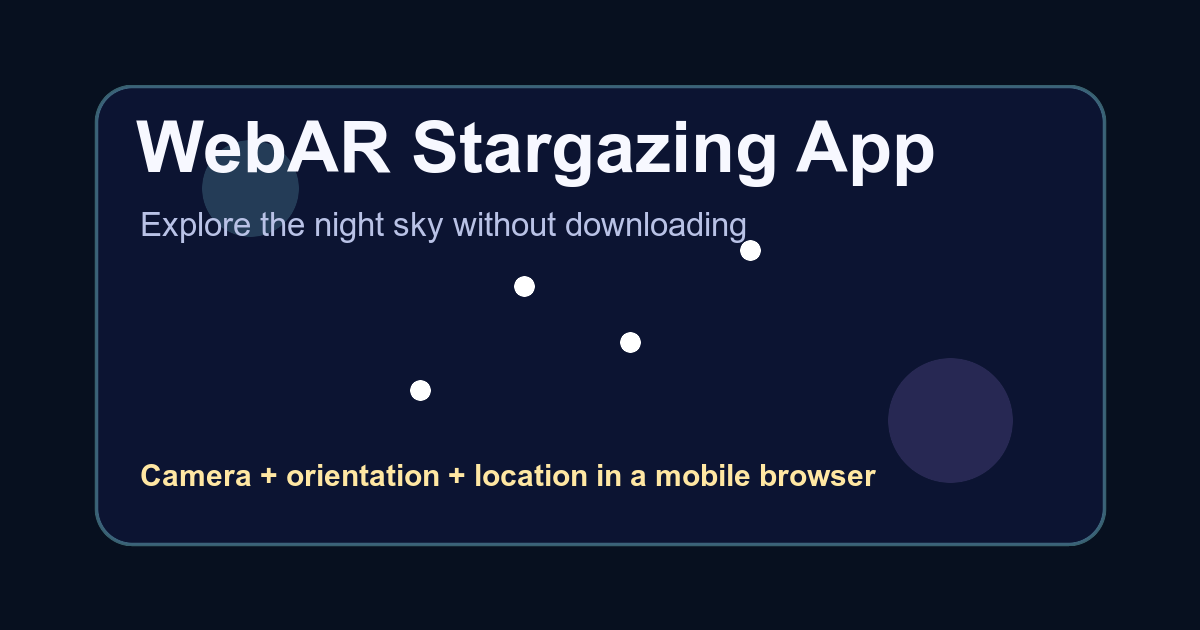
WebAR means the experience opens from a normal website link. Read a guide, tap Start Sky AR, and grant permissions only when you are ready.
The viewer uses the environment-facing camera, device orientation, and manual heading adjustment to place constellation overlays on the sky.
Start with a simple question such as which bright planet is visible tonight or where Orion is, then compare the answer with the sky above you.
A browser-based viewer removes the app store step, so a user can read a guide, open the camera experience, and compare the sky in one flow.
Browser sensor behavior varies by platform. NightSky AR handles this with user-gesture permission requests, camera setup after tapping Start, and manual heading adjustment.
The viewer overlays calculated star, constellation, and planet markers on the camera feed. It does not guarantee that the real object is visible through clouds, walls, haze, or city light.
The most reliable workflow is to read the guide first, choose a target, open AR outside, align against one known object, then use the overlay to explore nearby objects.
Short answers for common skywatching questions before opening the AR viewer.
No. NightSky AR runs from a supported mobile browser over HTTPS and asks for permissions only after the start tap.
Yes. Constellation, planet, and tonight-sky pages include links to open the viewer when you are ready to compare the guide outside.
The viewer uses camera, motion or orientation access, and location so it can align the sky map with the device and local horizon.
Open the browser AR viewer and compare the sky map with the real sky.